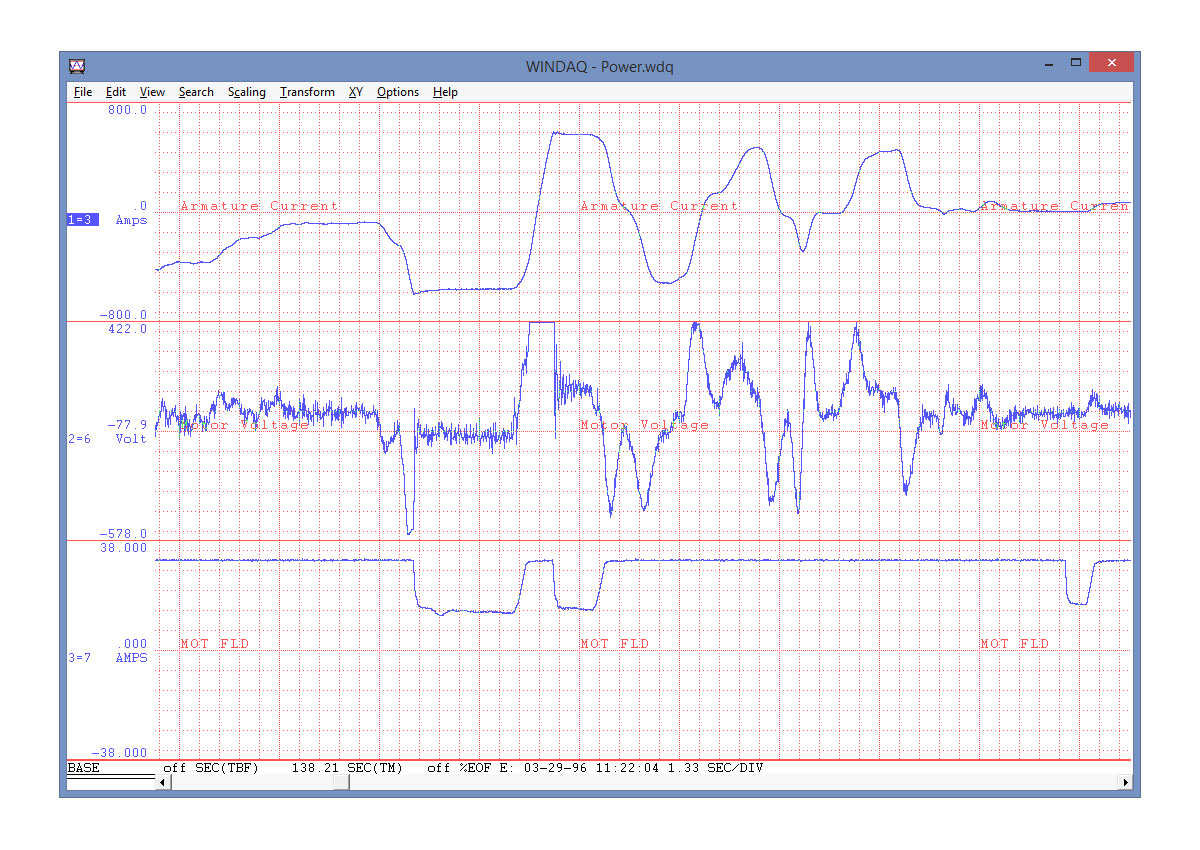


WinDaq Recording and Playback Software
WinDaq Data Acquistion and Playback Software supports most Dataq Instruments DI- products. Real-time recording environment consisting of a zero-delay, real-time display with simultaneous data recording to disk. Includes frequency analysis, digital filtering, X-Y plotting, and statistical analysis
WinDaq software is included with most DI- Series data acquisition hardware products, and consists of two applications: Recording and Playback software. Both applications supply a feature-rich environment along with a no-programming, point-and-click user interface.
WINDAQ Recording Software offers a real-time recording environment consist-ing of a zero-delay, real-time display with simultaneous data recording to disk. Up to 32 channels can be displayed at once, and each can be scaled into meaningful engineering units. You can record wave-form data to disk in the background while running any combination of programs in the foreground — even WINDAQ Playback software to review and analyze data as it’s being stored! Acquisition speeds and some features vary with data acquisition hardware, so refer to the hardware page for details.
WINDAQ Playback Software (or WinDaq Waveform Browser) offers an easy way to review and analyze waveform data acquired by WINDAQ Recording software. Playback’s disk streaming design allows data files of any length to be plotted on your computer’s display with lightning speed. Waveform panning and compres-sion controls allow you to quickly review and interpret recorded data. Seven standard cursor-based measurements, frequency domain (FFT/DFT), X-Y, and statistical analysis functions help simplify waveform analysis and interpretation. A special export facility allows instantaneous porting of WinDaq data into an Excel spreadsheet.